
HWPO Help & Support
Need help with your HWPO account, subscription, program or app?
Our Help & Support centre is available to HWPO members directly inside the HWPO app. Here you’ll find answers to common questions and guidance on getting the most from your HWPO membership.
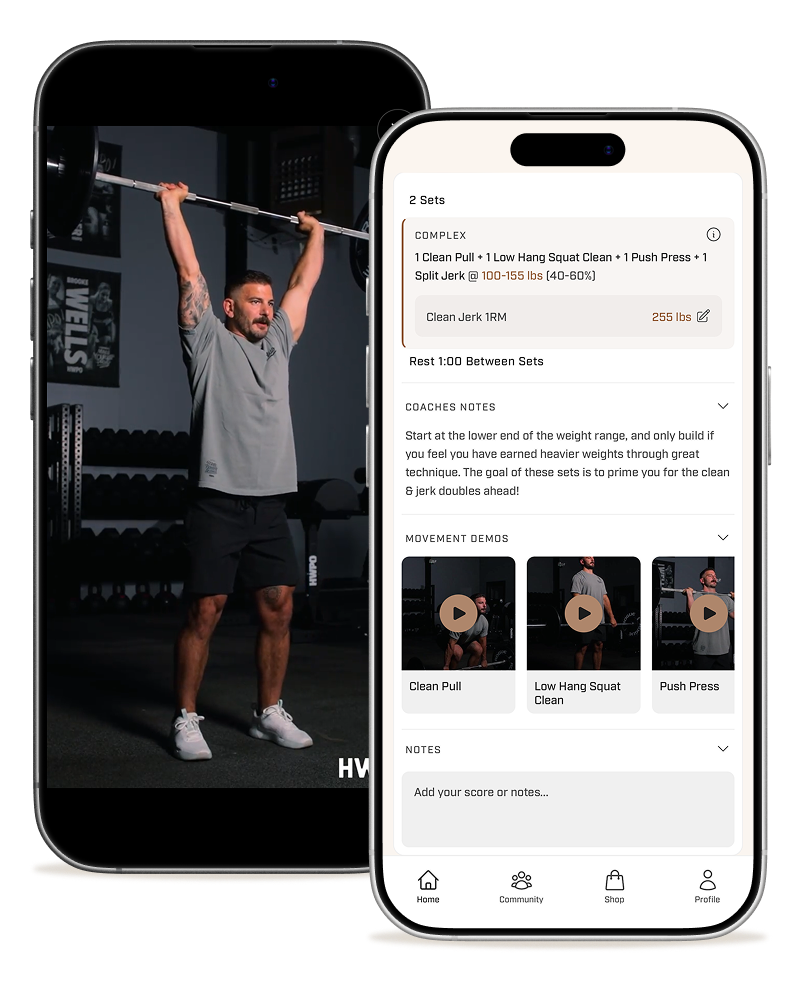
Log in to HWPO
To access our Help Centre, you’ll need an active HWPO subscription and be logged in to your account via the web or mobile app.
Access Help & Support on the web
Visit the HWPO Help & Support centre through the web app.
You may be asked to log in to your HWPO account to access support.
Access Help & Support in the mobile app
Open the HWPO Training app, then:
- 01Go to Profile
- 02Tap the Settings icon in the top-right corner
- 03Select Help Centre